Mixed Lists
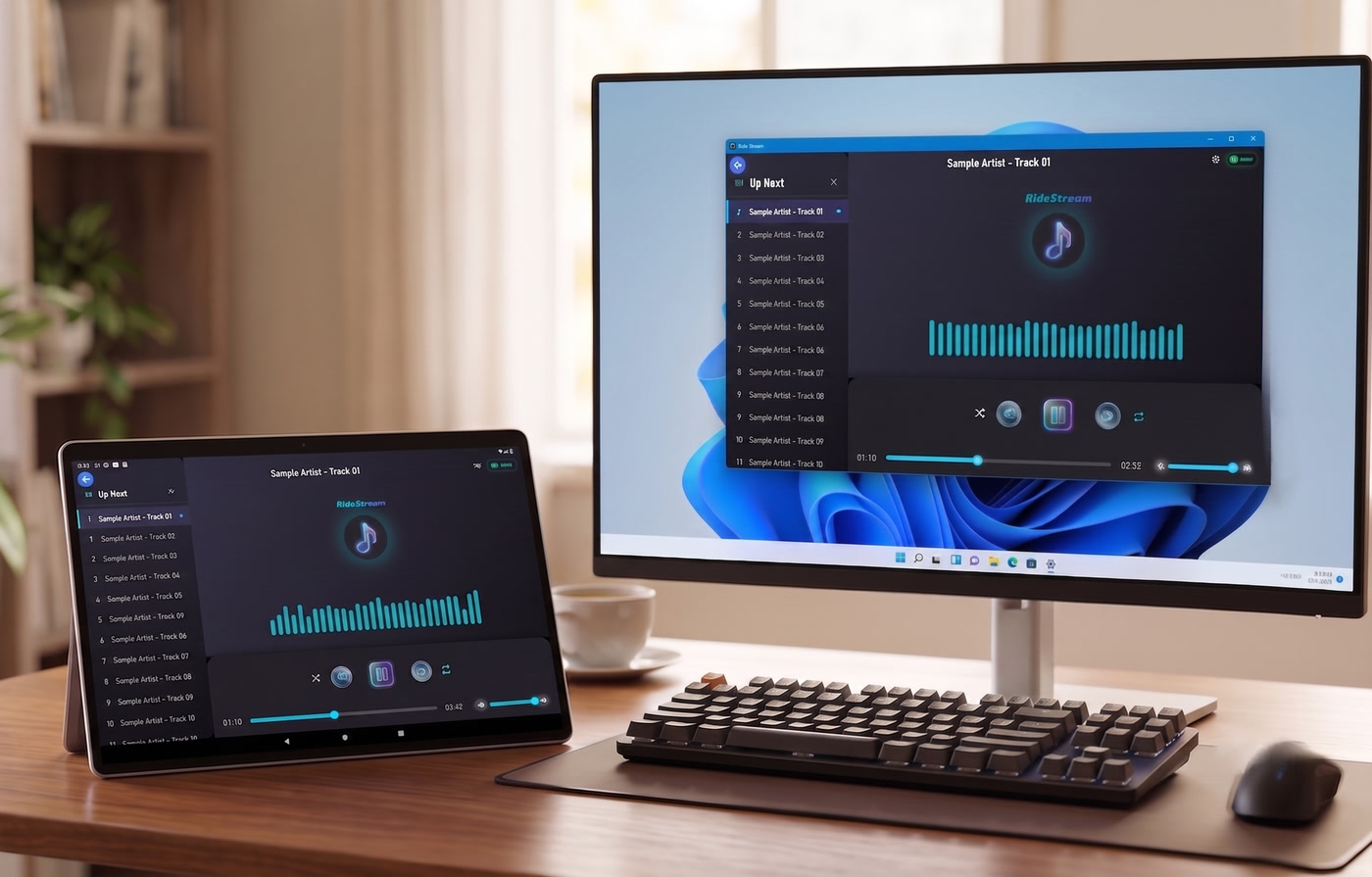
Combine audio and video files in a single unified playlist. Drag, reorder, shuffle, repeat, and play seamlessly.
Android & WindowsMULTIMEDIA // LOCAL
RideStream is a local multimedia player and Wi-Fi media server for Android and Windows. Stream movies and music between your devices over your own network, create mixed playlists, or connect as a receiver — your files never leave home. 100% local, offline, and private.



 Coming soon
Linux: sudo snap install ridestream
·
macOS: Download on the Mac App Store
Everything RideStream does, fully offline.
Combine audio and video files in a single unified playlist. Drag, reorder, shuffle, repeat, and play seamlessly.
Android & WindowsBack up a playlist and its media files to your Google Drive on Android, then restore it on another device.
AndroidImport media from any folder using the built-in file picker. On Android, also supports SD cards and USB OTG via Storage Access Framework.
Android & WindowsBuilt-in HTTP server broadcasts your library to any device on the same local network. Auto-host mode starts the server automatically in the background.
Android & WindowsConnect as a client to another device streaming its media library. Browse the server's playlists, pick what to play, or let the host control the queue.
Android & WindowsAutomatically discover RideStream servers and receivers on your local network. No manual IP configuration needed.
Android & WindowsMusic keeps playing even when the app is minimised or the screen is locked. Foreground service with persistent notification and media controls.
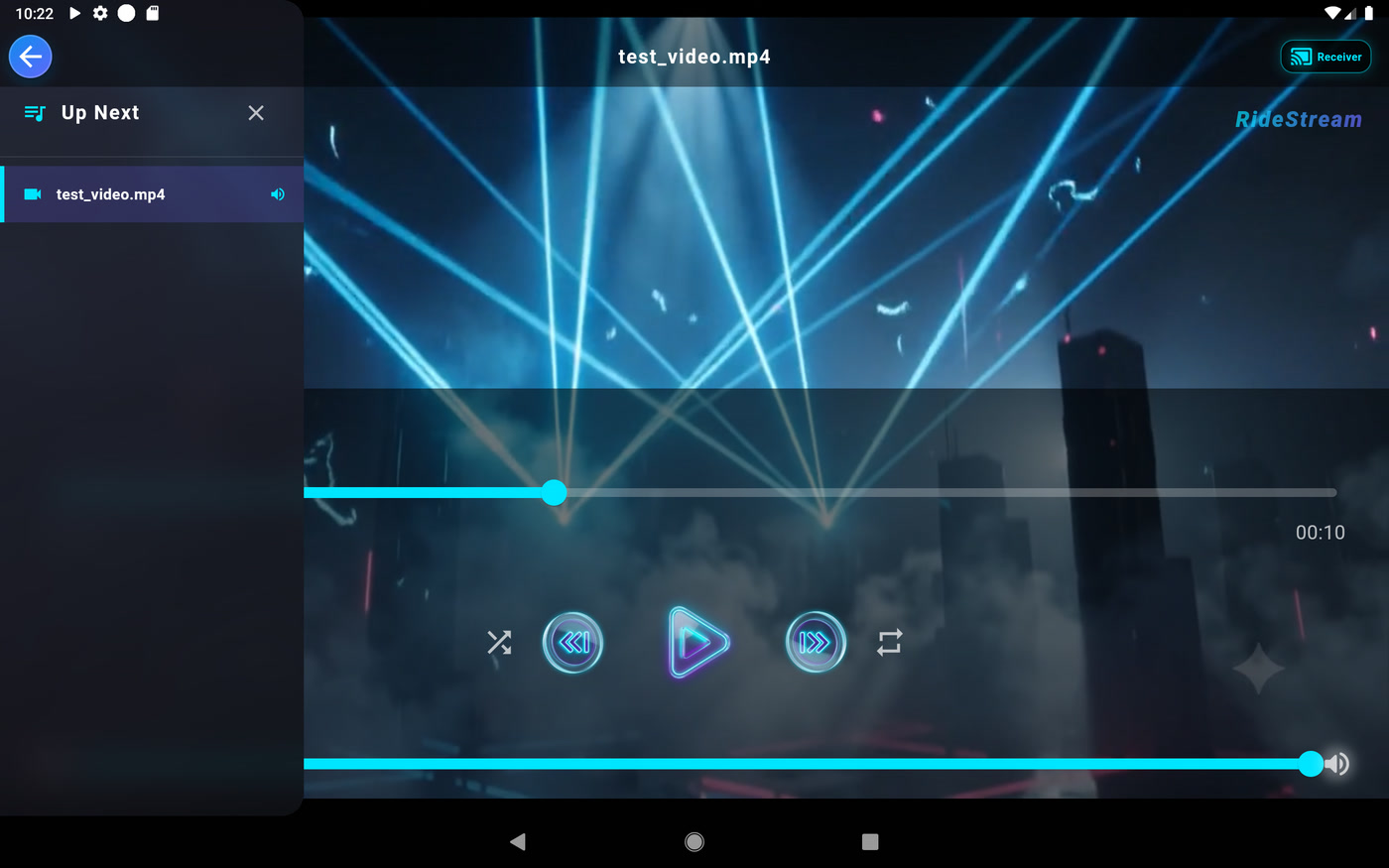
Android & WindowsHardware-accelerated video playback with MP4, MKV, AVI and WebM support. Original-quality streaming at the file's native resolution, plus a full set of playback controls.
Android & WindowsDynamic audio normalization (LUFS / EBU R128) levels loudness in real time, plus a batch "Normalize Audio Volume" that re-encodes audio and video tracks to a permanent target volume.
Android & WindowsModern dark theme with vibrant gradients, smooth micro-animations, fluid screen transitions, and a mini-player widget.
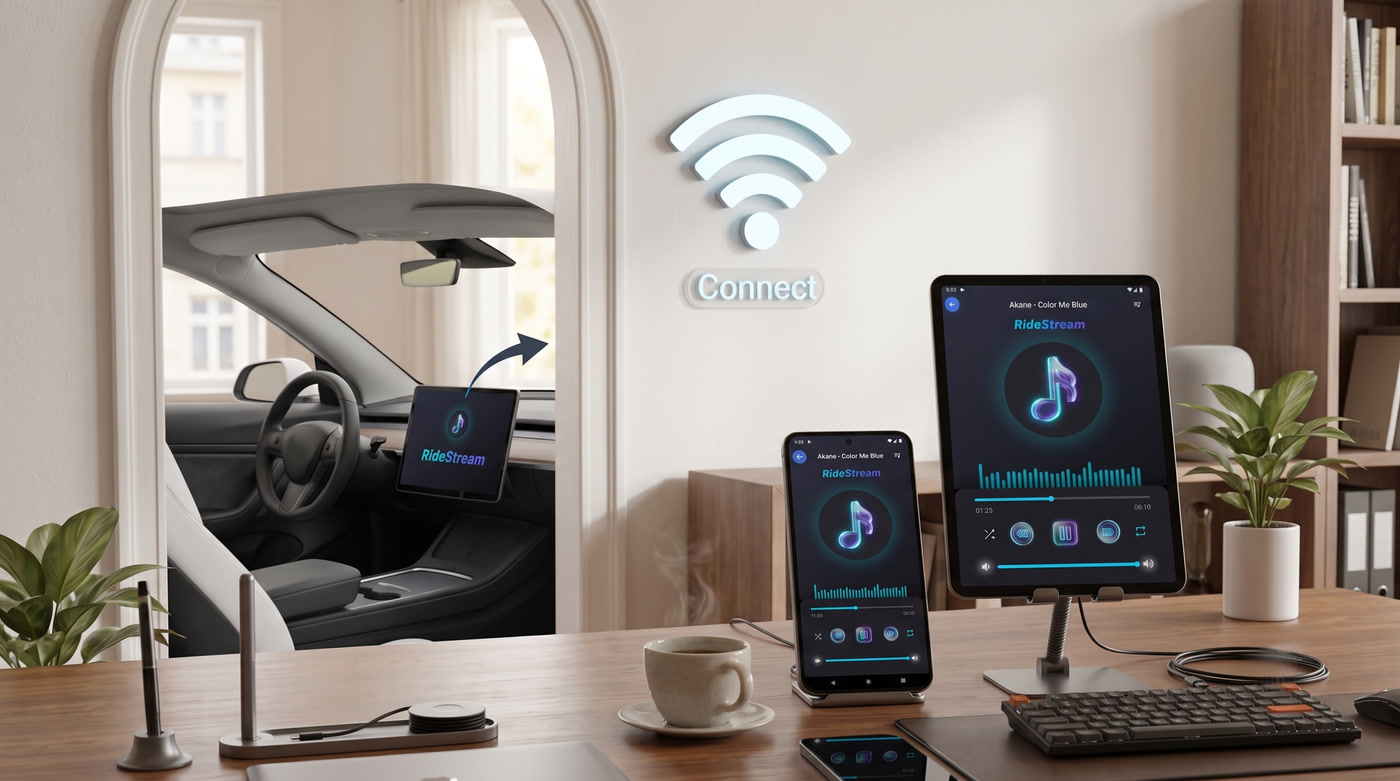
Android & WindowsRideStream lets you watch and listen to your files from any room — without cables, drives, or the cloud.
Run RideStream in host mode on your Windows machine and it broadcasts your music and movie library over your home network. Browse and play it from any Android device with a tap — no file transfers needed to start watching.
Connect an Android phone or tablet as a receiver to stream from the host, control playback remotely, or copy files to local storage for offline playback when you leave home.
Unlike cloud services, everything stays on your own devices. There's no account, no upload, no tracking — buffering and transcoding are handled locally for smooth playback even on slower Wi-Fi.
Fair, simple, and built for local sharing.
RideStream for Android is 100% free. An optional one-time $0.99 contribution via Google Play supports the developer and unlocks additional app themes — it is never required to use the app.
RideStream for Windows includes a 15-day free trial with every feature enabled. After the trial, a one-time $0.99 license via the Microsoft Store unlocks it permanently.
| Android | Windows | |
|---|---|---|
| Price | Free | $0.99 one-time |
| Trial | Always free | 15 days, all features |
| Host, receiver & playback | Yes | Yes |
| Mixed playlists & background playback | Yes | Yes |
| Receiver mode | Free | Free |
Receiver mode is always free on every platform — any Android or Windows device can connect as a Receiver and stream from a host without paying.
Family / shared-use tip: On Windows you only pay once, on the device that acts as the main Host. All other devices on your network connect as Receivers and play freely.
* Android is free forever. The $0.99 is a supporter contribution that also unlocks extra themes, not a required unlock.
Android 8.0+ (API 26) — available on Google Play.
Windows 10+ — available on the Microsoft Store.
macOS 12+ — available on the Mac App Store.
Linux — available on the Snap Store (sudo snap install ridestream).
iOS — Coming soon to the App Store.
Storage permissions to access local media files.
RideStream never phones home — read the Privacy Policy. No telemetry, no analytics, no cloud dependency. Your media never leaves your devices*.
*except when you explicitly stream to another device on your LAN.What you can do when connected to a host.
Browse the host's playlists directly from the receiver. See their full library without leaving the receiver UI.
Play, pause, skip, seek, shuffle and toggle repeat on the host. The receiver acts as a full remote control for the host's playback.
Select any track from the server's queue and play it directly on the receiver over Wi-Fi. No download needed — plays in real-time.
Copy or download playlists and media files from the server to the receiver's local storage for offline playback. Transfer your media between Windows and Android devices over Wi-Fi.
The receiver stays in sync with the host's current track, position, play/pause state, shuffle and repeat mode — updated every second.
Disconnect from the host and instantly resume playing your local playlists. Seamless switch between remote and local mode.
Everything you need to know about local streaming, privacy, and how RideStream compares.
RideStream turns your Windows PC or Android device into a local HTTP media server. It streams video and music directly over your home Wi-Fi (LAN) to other devices running RideStream. No cloud, no uploads, and no internet bandwidth used.
RideStream requires zero server administration, no account creation, no background daemons, and no port forwarding. Launch the app on your PC and Android, and devices automatically discover each other on your local network instantly.
No. RideStream is 100% offline with zero telemetry, zero analytics, and zero external tracking. Your media files stay exclusively on your local devices and local network.
RideStream supports hardware-accelerated video playback for MP4, MKV, AVI, and WebM at the file's original native resolution. Supported audio formats include MP3, AAC, FLAC, WAV, OGG, and M4A, with dynamic audio normalization and batch audio & video normalization.
Yes! In Receiver Mode, you can use the Copy from Server feature to transfer songs, videos, or full playlists from your host PC directly to your phone or tablet's local storage over Wi-Fi.
No. On Android the app is completely free — the optional $0.99 contribution is only a supporter perk that unlocks extra themes. On Windows, a single one-time $0.99 license covers the host after its 15-day trial. All other devices connect in Receiver Mode for free.
| Feature | RideStream | Plex / Jellyfin | VLC / DLNA |
|---|---|---|---|
| Setup Time | Instant (< 1 min) | 15–30 mins (Server setup) | Manual file share |
| Cloud Account Required | No (Zero cloud) | Yes (Cloud auth) | No |
| Mixed Audio + Video Playlists | Yes | No (Separated libraries) | Basic |
| Original-Quality Video Streaming | Yes (Original, no re-encode) | Yes (Server transcodes) | Yes (Direct file stream) |
| LAN File Transfer to Receiver | Yes (One-tap copy) | Paid feature / sync | No |
| Telemetry & Data Collection | Zero (100% Private) | Server analytics | None |